
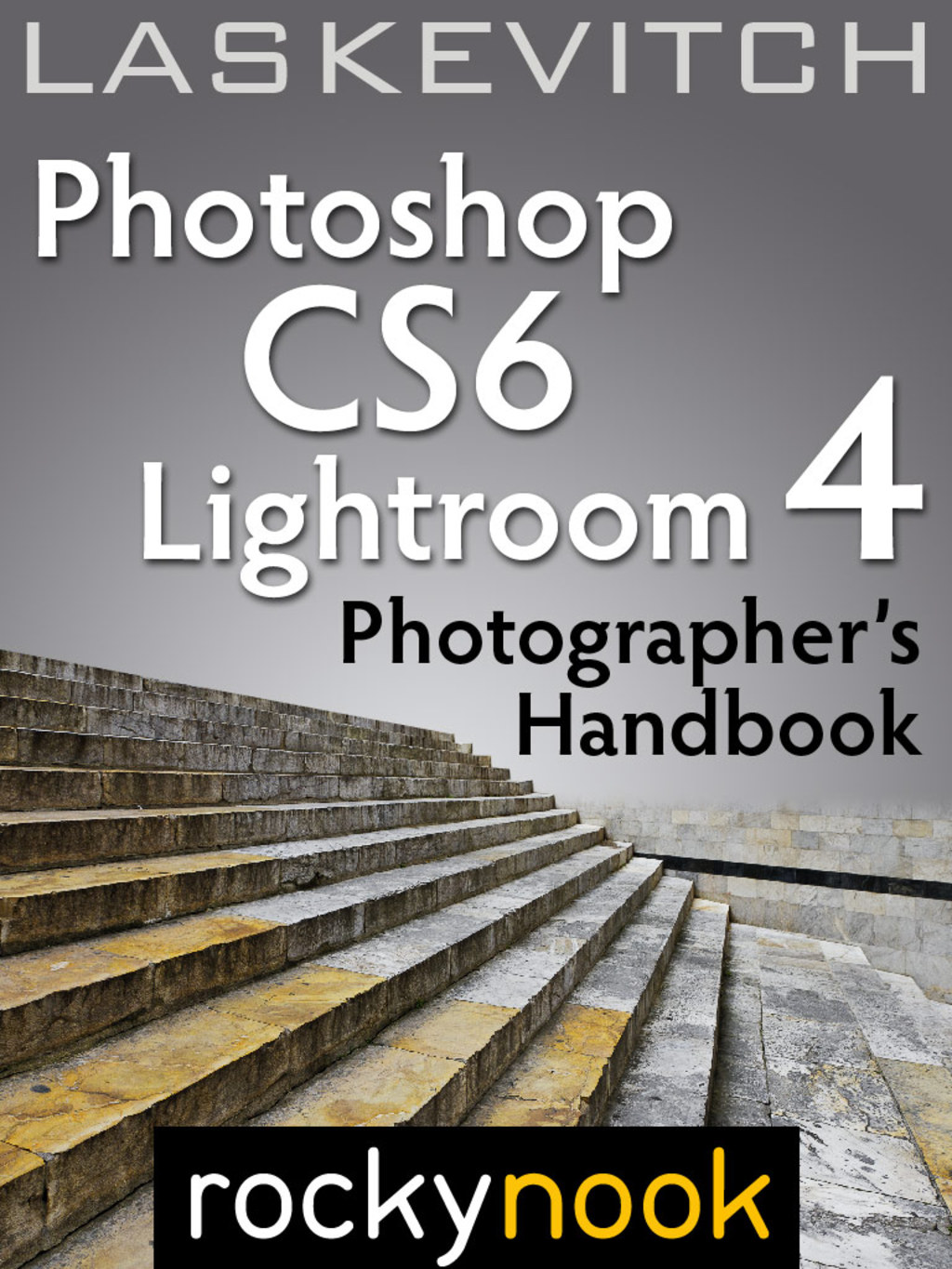
Photoshop CS6 and Lightroom 4 1st Edition – PDF/EPUB Version Downloadable
$49.99
Author(s): Stephen Laskevitch
Publisher: Rocky Nook
ISBN: 9781937538033
Edition: 1st Edition
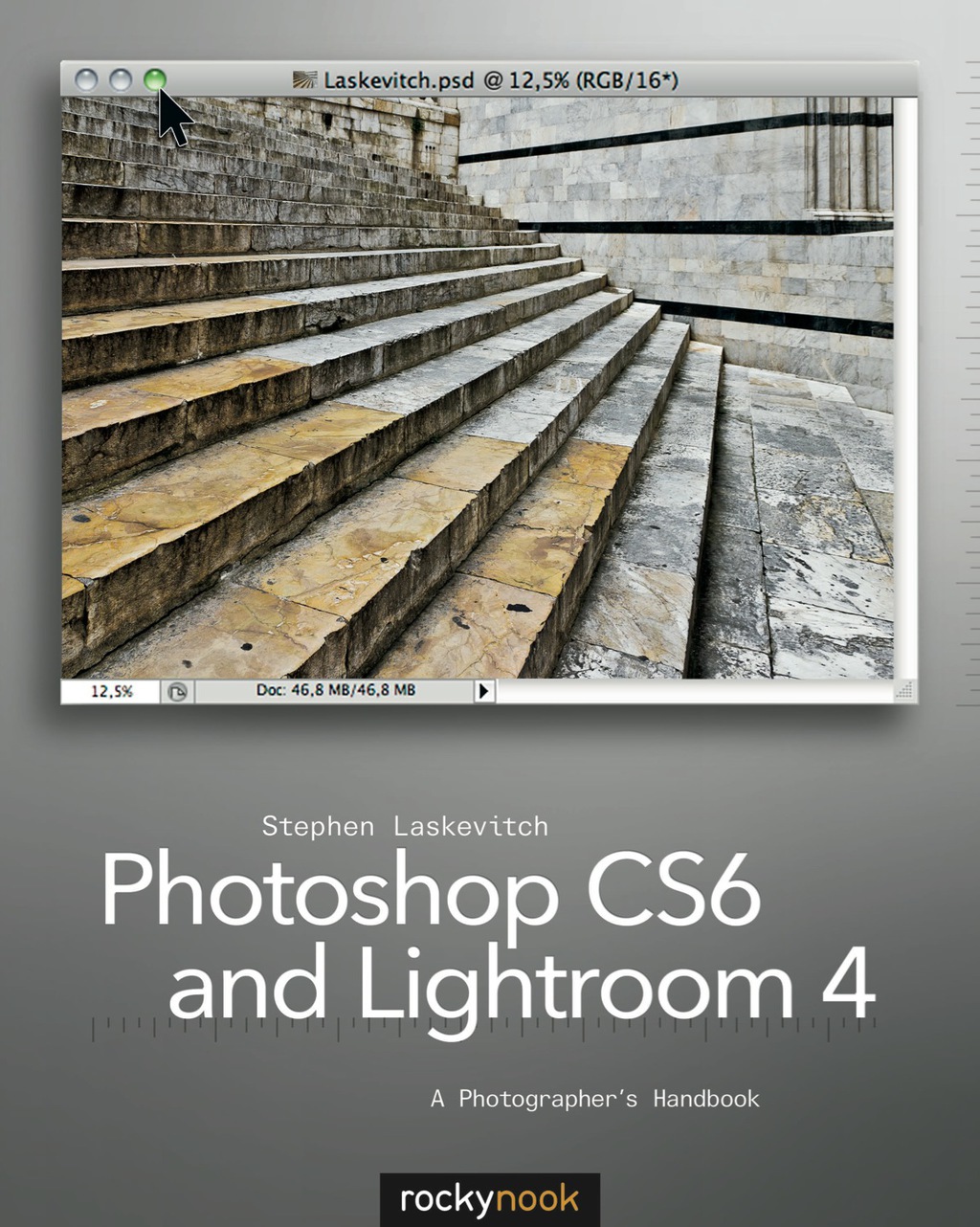
Adobe Photoshop is central to almost all photography workflows and Lightroom has rapidly been adopted as well. Each new version of the software is a milestone in the development of these vital imaging tools, and the 2012 releases are no exception.Photographers often feel overwhelmed when starting with Photoshop; the sheer number of tools and options make it difficult for the novice. There is no shortage of instructional books, yet very few direct the user to the most significant aspects of the program in a way that reflects a real workflow for the photographer.Adobe Certified Instructor Steve Laskevitch has leveraged his experience as a teacher and practitioner to create a guide that provides a clear and effective workflow for editing photographs in Photoshop CS6 and its companions Bridge, Camera Raw, and Lightroom 4. Focusing on the critical elements of the workflow rather than covering every arcane feature, this book is designed to get you working quickly in these applications.In addition to the essential features of these programs, Laskevitch covers new features specific to the 2012 releases, including:Lightroom geocoding-Quickly tag a photo with location data; Photoshop’s Blur Gallery (Tilt-Shift, Iris, and Field Blur tools)-Add selective focus and bokeh effects; New development controls in Lightroom and Camera Raw; Recomposing or retouching photos with the Content-aware Move Tool; Publishing to Blurb directly from Lightroom; Video (no longer limited to Photoshop Extended; Adaptive Wide Angle-Make straight lines straight again; Face-Aware Mask Generation-An improvement to Color Range; Intelligent Auto-Correction; Adobe Camera Raw 7-Local controls for White Balance and Noise Reduction; New Black/White and Highlight/Shadow controls
Related products
-1st-edition-%E2%80%93-pdfepub-version-downloadable-8741-yaq5g.jpg)
Photoshop CS6 and Lightroom 4 1st Edition – PDF/EPUB Version Downloadable
$49.99
Author(s): Stephen Laskevitch
Publisher: Rocky Nook
ISBN: 9781937538033
Edition: 1st Edition
Adobe Photoshop is central to almost all photography workflows and Lightroom has rapidly been adopted as well. Each new version of the software is a milestone in the development of these vital imaging tools, and the 2012 releases are no exception.Photographers often feel overwhelmed when starting with Photoshop; the sheer number of tools and options make it difficult for the novice. There is no shortage of instructional books, yet very few direct the user to the most significant aspects of the program in a way that reflects a real workflow for the photographer.Adobe Certified Instructor Steve Laskevitch has leveraged his experience as a teacher and practitioner to create a guide that provides a clear and effective workflow for editing photographs in Photoshop CS6 and its companions Bridge, Camera Raw, and Lightroom 4. Focusing on the critical elements of the workflow rather than covering every arcane feature, this book is designed to get you working quickly in these applications.In addition to the essential features of these programs, Laskevitch covers new features specific to the 2012 releases, including:Lightroom geocoding-Quickly tag a photo with location data; Photoshop’s Blur Gallery (Tilt-Shift, Iris, and Field Blur tools)-Add selective focus and bokeh effects; New development controls in Lightroom and Camera Raw; Recomposing or retouching photos with the Content-aware Move Tool; Publishing to Blurb directly from Lightroom; Video (no longer limited to Photoshop Extended; Adaptive Wide Angle-Make straight lines straight again; Face-Aware Mask Generation-An improvement to Color Range; Intelligent Auto-Correction; Adobe Camera Raw 7-Local controls for White Balance and Noise Reduction; New Black/White and Highlight/Shadow controls