

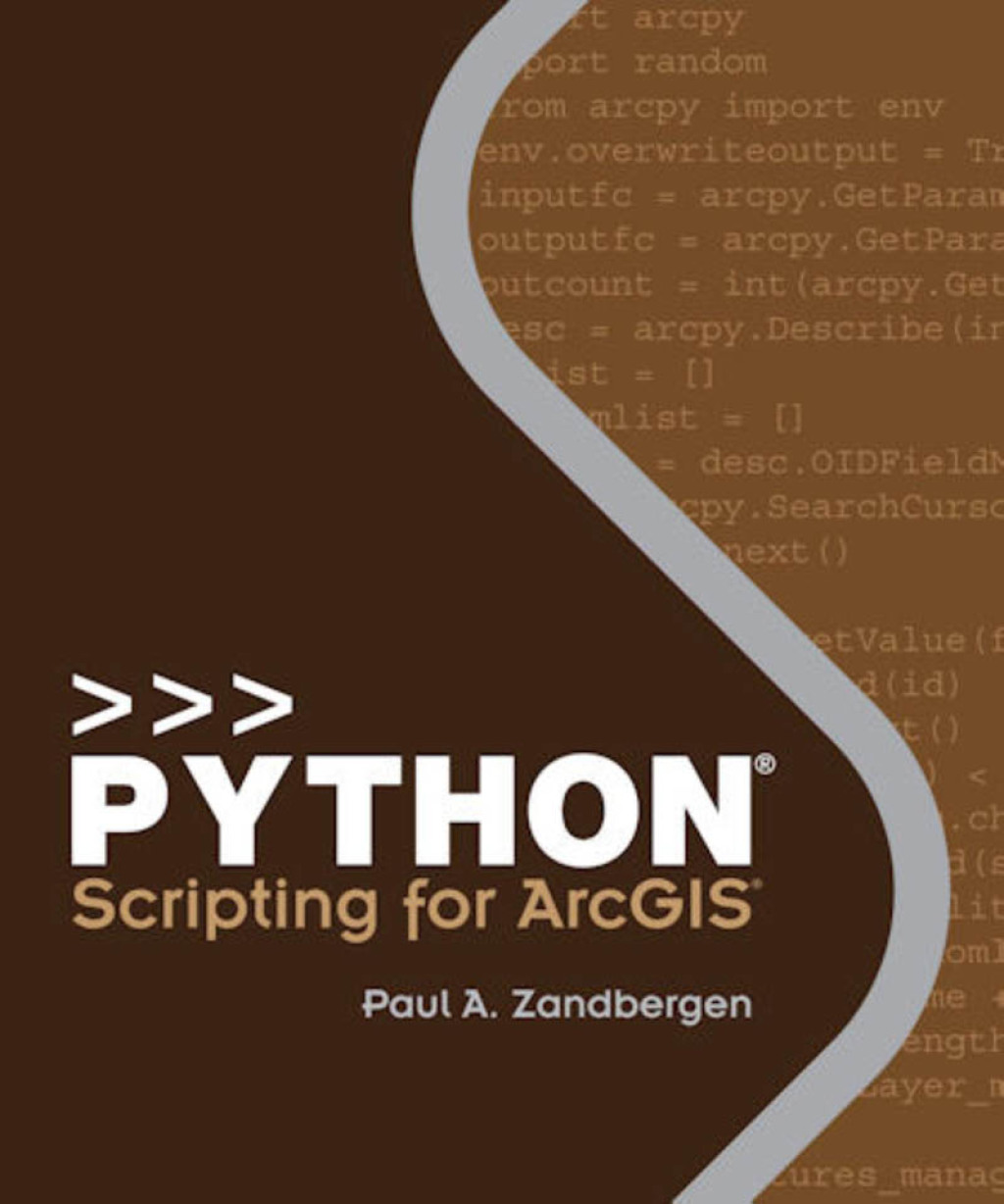
Python Scripting for ArcGIS Pro 2nd Edition – PDF/EPUB Version Downloadable
$49.99
Author(s): Paul A. Zandbergen
Publisher: Environmental Systems Research
ISBN: 9781589484993
Edition: 2nd Edition
The definitive, easy-to-follow guide to writing Python code with spatial data in ArcGIS Pro, whether you’re new to programming or not. Python Scripting for ArcGIS Pro starts with the fundamentals of Python programming and then dives into how to write useful Python scripts that work with spatial data in ArcGIS Pro. Learn how to execute geoprocessing tools, describe, create and update data, as well as execute a number of specialized tasks. See how to write simple, custom scripts that will automate your ArcGIS Pro workflows. Some of the key topics you will learn include: Python fundamentals Setting up a Python editor Automating geoprocessing tasks using ArcPy Exploring and manipulating spatial and tabular data Working with geometries using cursors Working with rasters and map algebra Map scripting Debugging and error handling Helpful “points to remember,†key terms, and review questions are included at the end of each chapter to reinforce your understanding of Python. Corresponding data and exercises are available online. Whether you want to learn Python or already have some experience, Python Scripting for ArcGIS Pro is the comprehensive, hands-on book for learning the versatility of Python coding as an approach to solving problems and increasing your productivity in ArcGIS Pro. Follow the step-by-step instruction and common workflow guidance for automating tasks and scripting with Python. Don’t forget to also check out Esri Press’s other Python title: Advanced Python Scripting for ArcGIS Pro (9781589486188)